Welcome to eBook Crafter
The Fastest Way to Turn WordPress Posts to PDF eBooks
Your archive is full of beautiful writing from over the years. eBook Crafter takes it from WordPress to PDF. It gathers your best posts, pages and custom post types, lets you arrange them in the block editor, and exports a print-ready PDF. Your eBook masterpieces will last forever.
Free on WordPress.org. Pro plans start from $39 a year, with a 30-day money-back guarantee.
“eBook Crafter un-Blocks the author in you.” – Nagesh Pai, Ex-Automattician
As featured on




How to convert posts in WordPress to PDF eBooks in easy steps
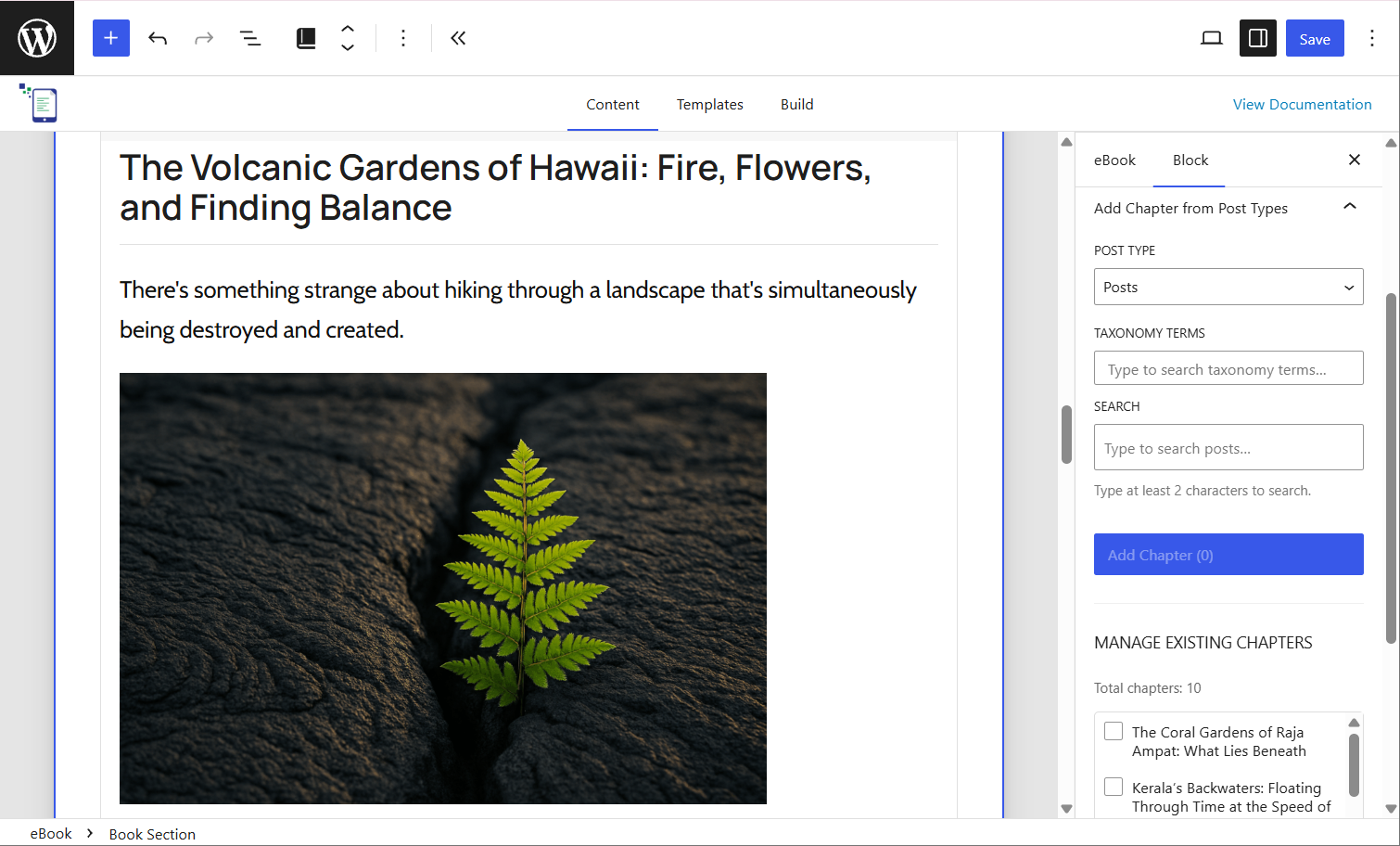
Step 1
Gather your posts
Search your posts, pages and custom post types, add them to your eBook canvas, and reorder them until the flow feels right.
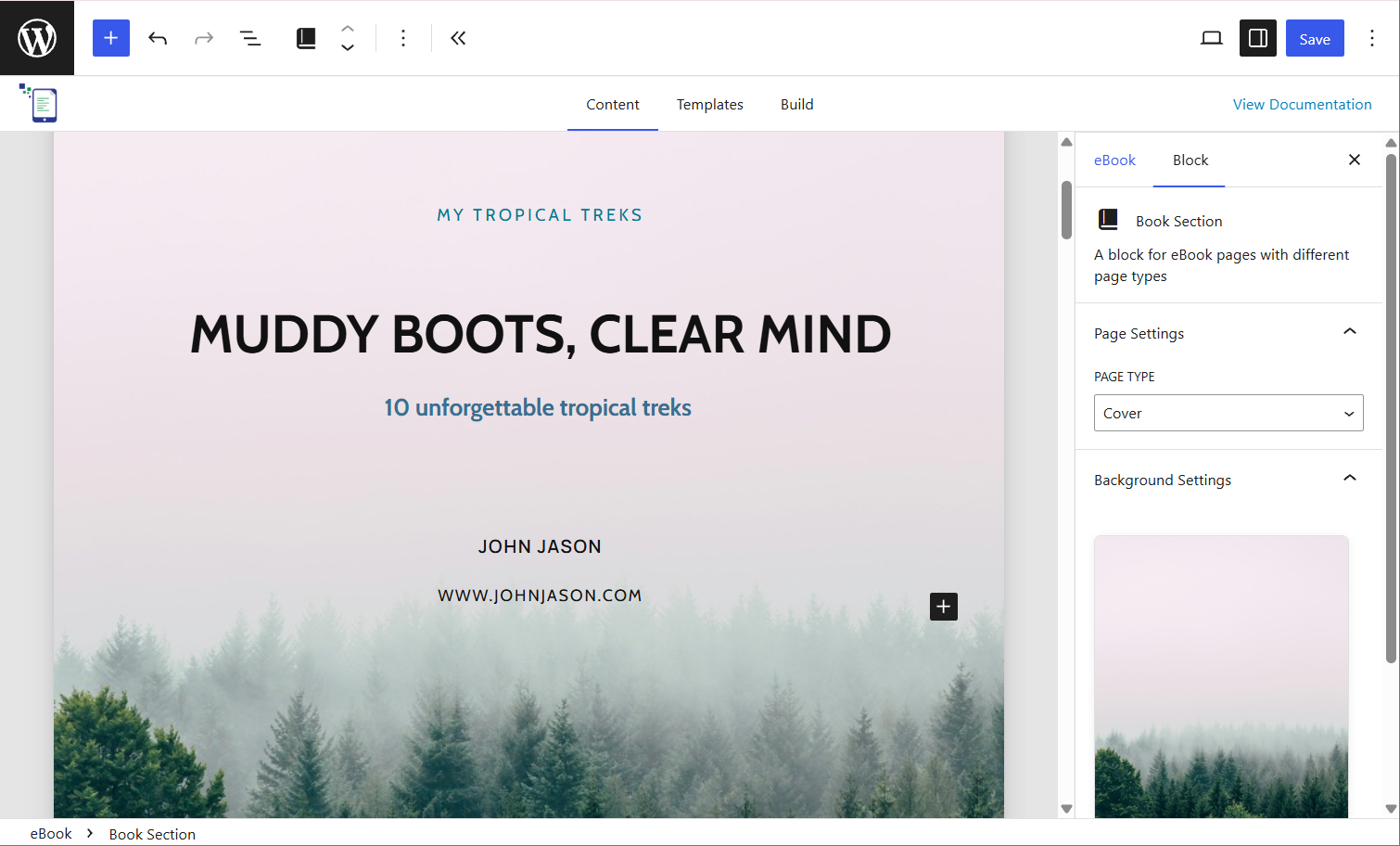
Step 2
Craft it in the block editor
Edit the cover and every chapter with the familiar block editor. Pick a template from the Templates tab, or make one that matches what you need.
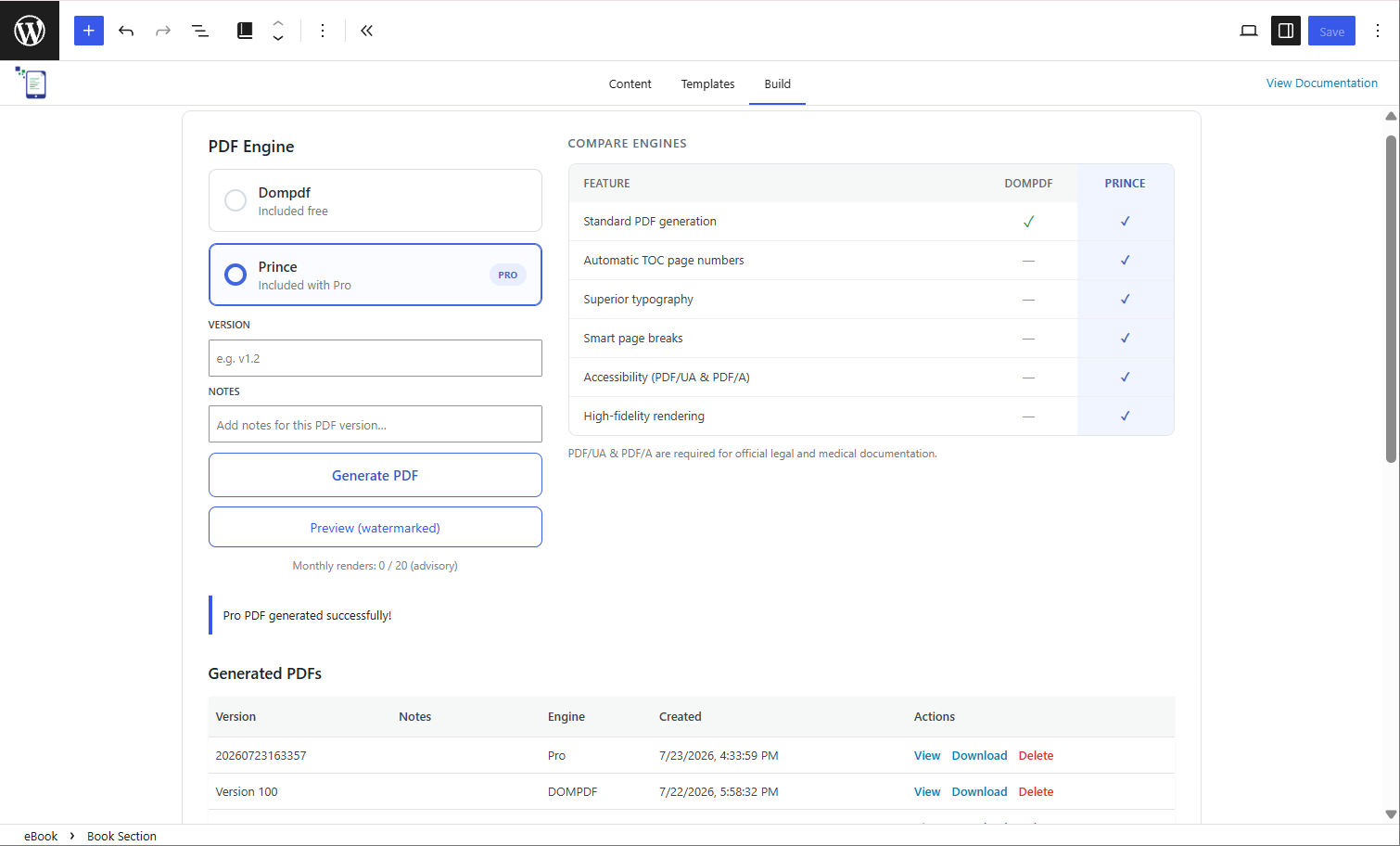
Step 3
Publish your PDF
Export with the free engine or Prince, and find the finished PDF saved in your Media Library.
A WordPress PDF plugin made for books
Everything you need to turn a pile of scattered posts into a finished eBook, in a few simple steps.
Any post type
Posts, pages, custom post types and LMS lessons – all come along.
Edit in the block editor
Shape every chapter with the familiar blocks you use on your site.
Saved to your Media Library
PDFs are saved in WordPress’ Media Library – WooCommerce, PMPro and everyone else know where to find them.
No watermark, no limits
The free version puts nothing of ours on your pages and no cap on your exports.
PRO
Smart page breaks
Prince breaks pages the way a printed book does, so headings stay with the paragraphs that follow them.
PRO
Table of contents with page numbers
Your chapters are listed and numbered automatically, with cleaner formatting than the free engine.
PRO
Accessible PDFs
PDFs built so screen readers can follow them, and every reader grasps the whole book.
PRO
Clearer images
Photos and screenshots stay crisp, on screen and on paper.
PRO
Multiple languages
Publish in the languages your readers speak, with Prince handling scripts like Arabic, Hindi and Japanese.
PRO
Book-quality typography
Kerning and ligatures give every line the polish of a printed page.
PRO
Use custom fonts
Choose from 1,900+ Google Fonts. Literata, Source Sans 3 and Playfair Display come bundled.
Works with leading plugins
eBook Crafter is created with the most standard methods in WordPress, and is compatible with the most popular plugins.
WooCommerce



Other plugins that store content as custom post types should work too.
Built for self-publishers, educators, online store owners and more
What will you make with your posts?
Bloggers, educators, store owners, companies and non-profits use eBook Crafter to turn what they’ve published into PDFs.
Travel bloggers
Gather the most intriguing travel accounts and roll them into guides.
Food bloggers
Gather your readers’ favorite recipes into a book.
Marketers
Turn your best posts into lead magnets that trade your know-how for email addresses.
WooCommerce store owners
Turn product pages into a PDF catalog you can sell, share or print.
Educators
Convert lessons and tests from LifterLMS, Tutor LMS and LearnDash into course packs and question banks.
Researchers
Build a compendium from existing work by adding more content.
Students and teachers
Make yearbooks from a school year’s pictures and text.
Photographers
Prepare a collection of your finest captures in a print-ready format.
Non-profits
Gather your message from archived posts and spread it in the form of eBooks.
Corporate teams
Turn a quarter’s news, updates and case studies into a professionally formatted report.
What people say after their first eBook
“eBook Crafter un-Blocks the author in you.”
“eBook Crafter helps unleash the writer in you, who is probably caught in smaller blog posts.
It uses the full power of the WordPress Block editor to bring a low friction way to convert either a new concept, or a group of existing posts, into easily distributable books. Installation is as easy as adding a plugin to your website.
The plugin menu and flows are pretty intuitive, and also well supported with documentation. Naweed is an experienced WordPress support professional, and a keen listener. I am excited about the continuous improvements he would bring in to this wonderful plugin!”

Nagesh Pai
Independent Software Developer and Educator, Ex-Automattician
“Surprised at the quality of it.”
“I’ve used eBook Crafter on my site, and was surprised at the quality of it.
It worked very well with no bugs at all. It worked natively in the block editor too no problems!”

Blake Whittle
Owner of Backline and Infinite Uploads
Start free. Upgrade when your eBooks need more.
The free version is on WordPress.org and is a great way to set off on your WordPress to PDF quest. Pro starts at $39 a year and adds the Prince engine for smart page breaks, page numbers in Table of Contents, sharper rendering and more.
14-day free trial. 30-day money-back guarantee.
Questions people ask before they start
How do I convert posts in WordPress to PDF outputs?
Install eBook Crafter, search for the posts you want, and add them to a new eBook. Tidy them up in the block editor if you like, then export. The finished PDF will be waiting in your Media Library.
Is there a free WordPress to PDF plugin?
Yes. The free version of eBook Crafter lives on the WordPress Plugin Directory, with no watermark and no limit on how many eBooks you export.
Can I include pages and custom post types?
Yes. Posts, pages and custom post types all work, including lessons from LearnDash, LifterLMS and Tutor LMS.
Can I sell the eBooks I make?
Yes. Every PDF is saved in your Media Library, so you can sell it through WooCommerce and provide it through a membership plugin.
What does Pro add?
Pro adds the Prince PDF engine, which brings smart page breaks, accessible PDFs, a table of contents with automatic page numbers, clearer images and support for more languages. Every plan starts with a 14-day free trial, so you can see the difference on your own posts first.
Can I export to ePub or Kindle?
Not yet. ePub is on our roadmap. Send to Kindle accepts PDF files in the meantime, so your readers needn’t wait.
How is eBook Crafter different from Print My Blog?
Both turn posts into PDFs. eBook Crafter lets you edit every chapter in the block editor before you export, and saves the finished PDF to your Media Library.
Tutorials and updates
-
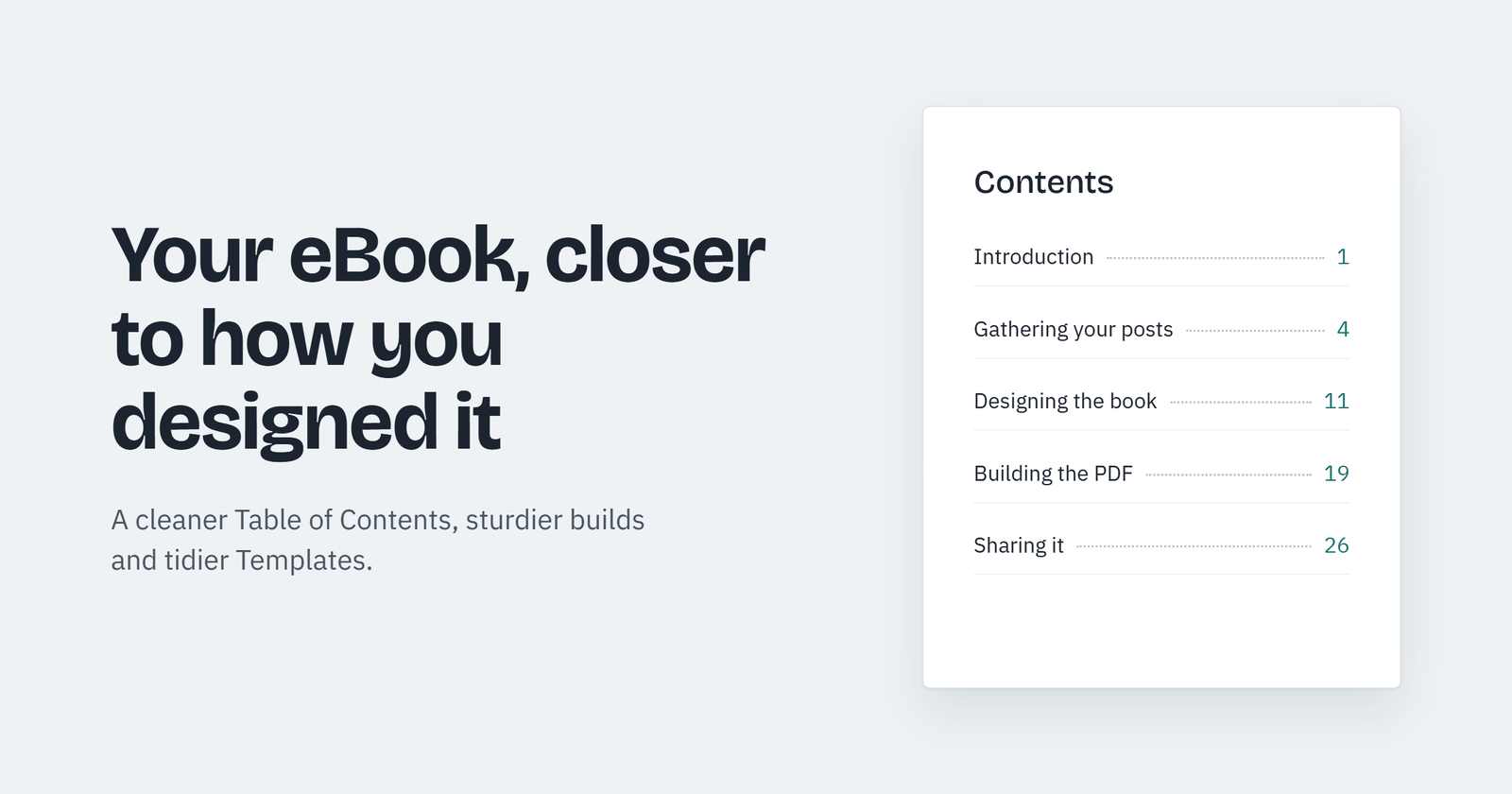
Sharper PDFs, and many more improvements – Check out eBook Crafter Free 1.0.4 and Pro 1.2.6
Our newest releases for both the free and Pro versions of eBook Crafter have focused on improving how your downloaded…
-
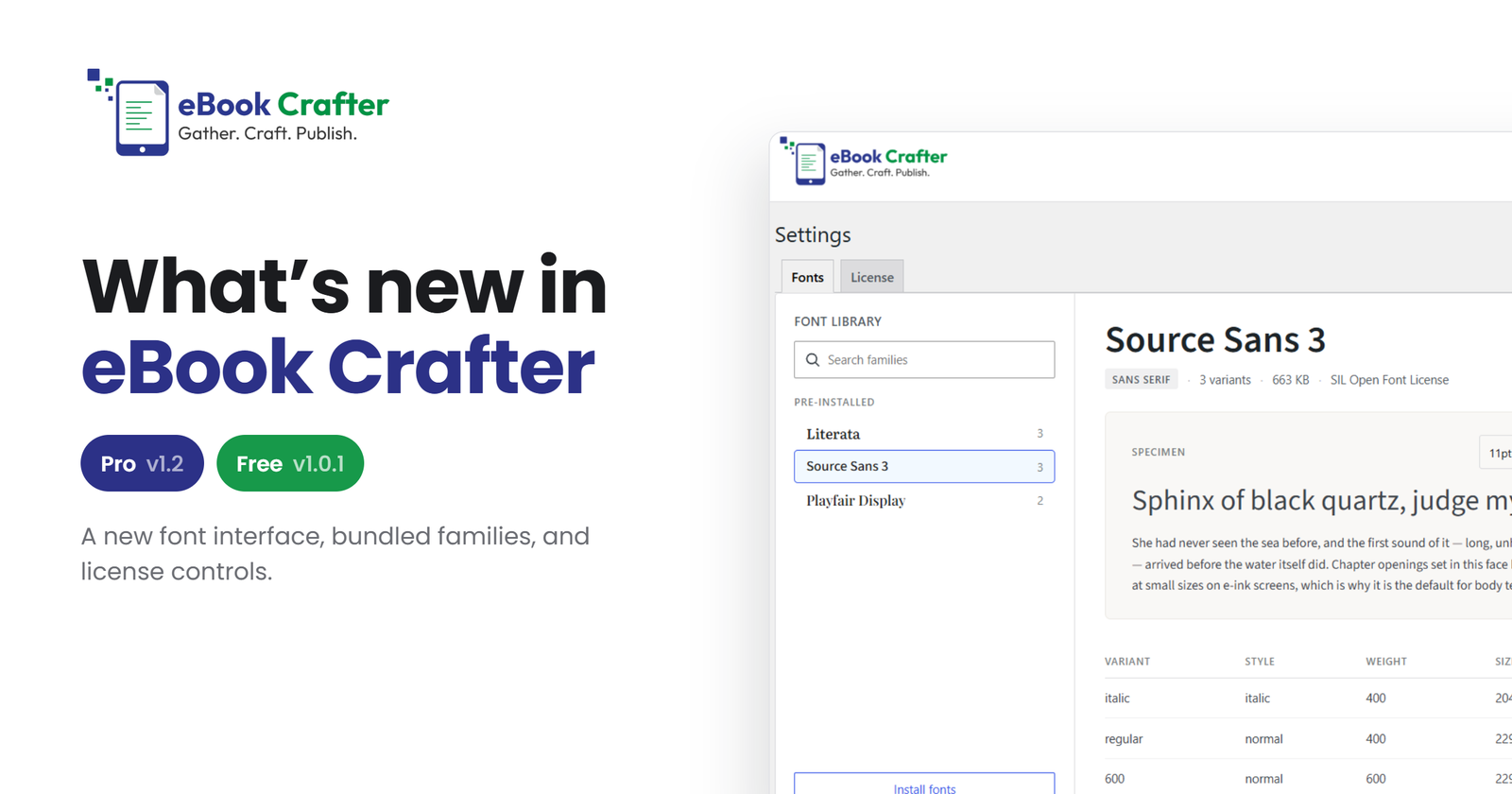
What’s new in eBook Crafter Pro v1.2 and the free plugin’s v1.0.1
Four Pro releases and one free release, collected in one place. A rebuilt Fonts screen, licensing inside the plugin, standalone…
-
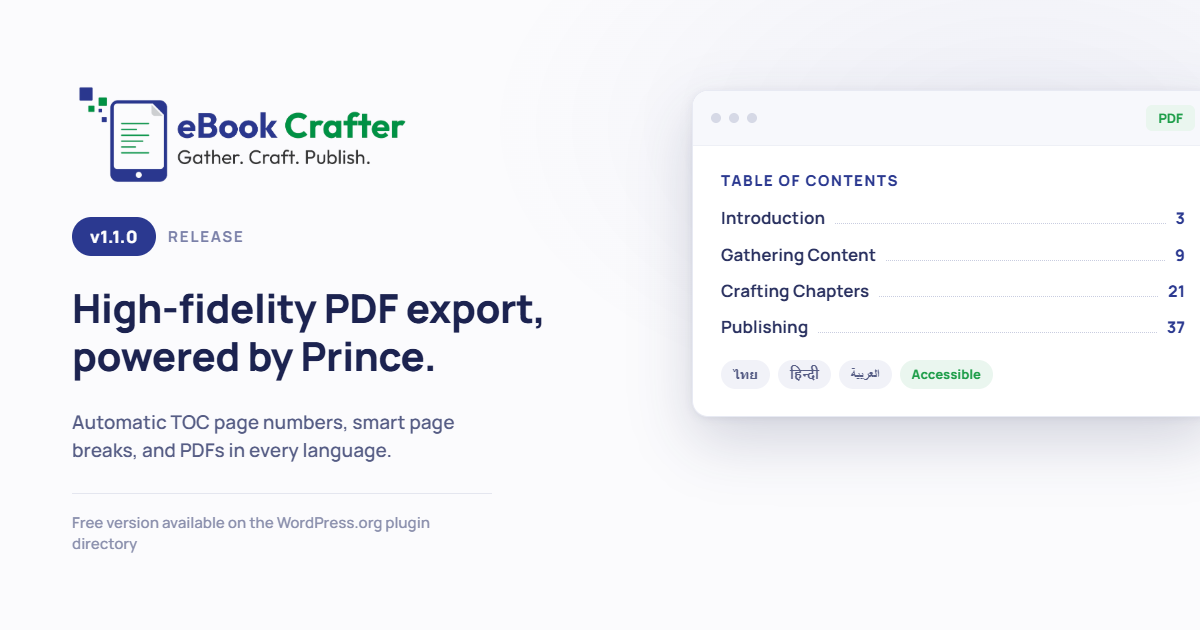
eBook Crafter Pro v1.1.0 is here – our biggest update in 2026 so far
We’re excited to roll out eBook Crafter Pro v1.1.0. Yes, you read it right, Pro! That means we now also…
-
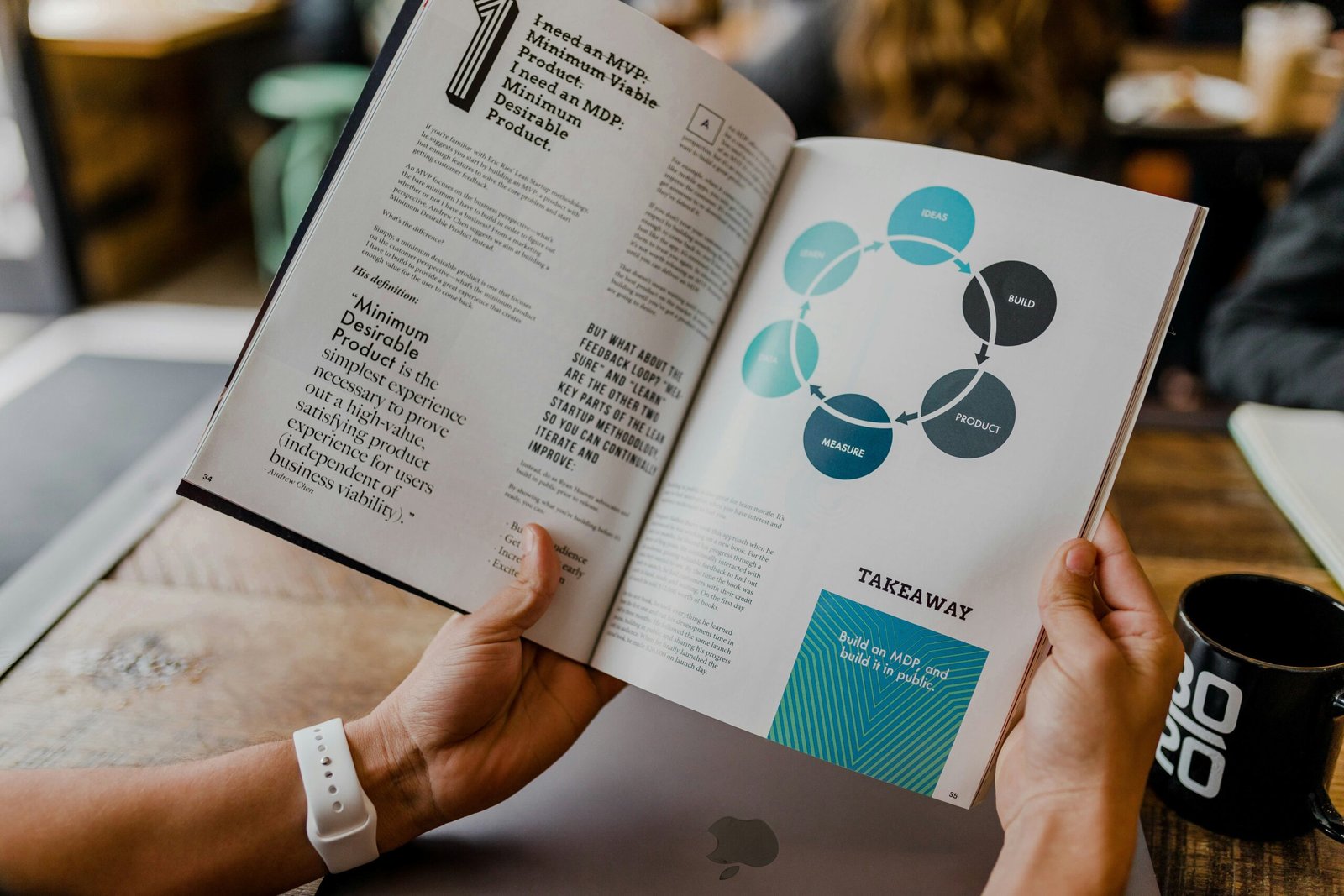
Why Every Business Needs an eBook in 2026
Turn Your Existing WordPress Content Into a Lead Generation eBook As of 2026, AI-driven search is sending fewer clicks to…
-

Finding the Sweet Spot with Pricing eBook Crafter
If you’ve ever built a WordPress product or known someone who did, you know how tricky pricing can be. Since…
-
2025 in review, and plans for 2026
I set off on my entrepreneurial journey in the middle of 2025, and not surprisingly, I was nervous for all…
Turn your archived posts in WordPress to PDF eBooks this week
Pick five posts, add a cover, and have your first PDF before the day is out.