We’ve had five releases since eBook Crafter Pro v1.1.0, four on the Pro side and one for the free plugin. This post covers the key details about these recent updates.
The Pro releases concentrate on fonts, licensing and how Pro behaves when the free plugin is yet to be installed.
The free release targets images that ran into issues while embedding them in exported PDFs.
eBook Crafter Pro v1.2.0 to v1.2.3
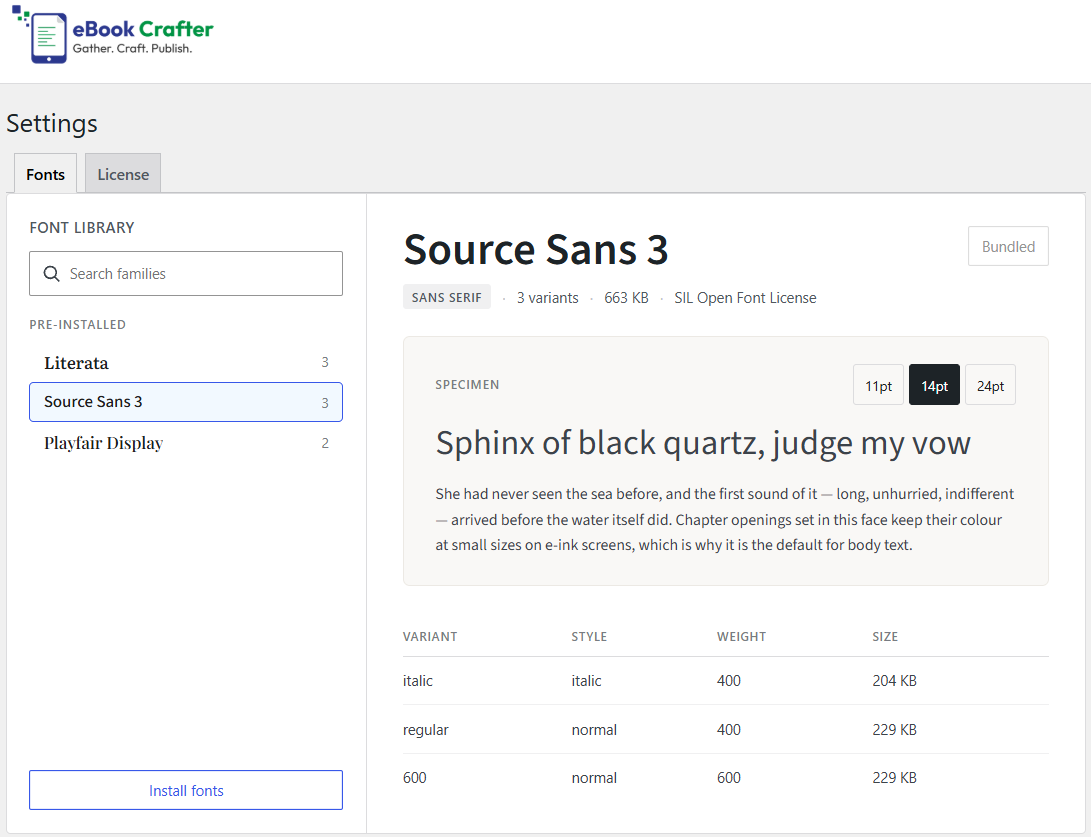
The Fonts screen has been rebuilt
Font families are now displayed in a list on the left with a detail pane on the right, making it easy to browse through fonts and remove the ones you don’t need anymore.
Three font families are added when you activate Pro: Literata, Source Sans 3 and Playfair Display.
Licensing has moved inside the plugin
Your plan, license key, activation status, billing details and invoices now appear together at eBook Crafter > Settings > License.
A Contact Us page is also added in the eBook Crafter menu, just above Settings.
Pro now activates without the free plugin
eBook Crafter Pro now activates on its own, plus your license stays valid and updates keep arriving. It is just that the plugin does not function until the free version is active.
There is also a notice with a button to install the free plugin after you install the Pro version. No need to search through the plugin directory to find the free version.
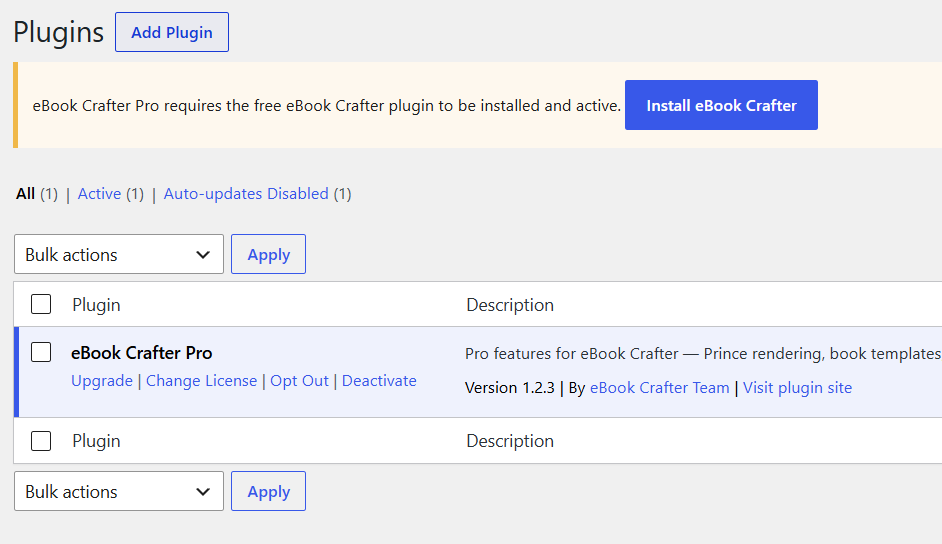
Before Pro’s version 1.2.3, the reminder to install the free plugin could reappear on the install and update screens while you were already installing the free plugin. It was harmless, but confusing enough that you might wonder if something had gone wrong. The notice now stays out of the way during the install process.
Two smaller fixes
- Updated design and script files are served correctly after an update instead of being pulled from your browser cache, so the plugin looks right straight away.
- The Fonts settings styling has had a behind-the-scenes improvement.
eBook Crafter free v1.0.1
Fix with image embeds
WordPress and its themes routinely add extra text to the end of an image address, usually a version number that forces browsers to load a fresh copy. The extra text could confuse the PDF generator and leave you with a blank box instead of the desired picture. Three separate cases are now handled properly.
- Version-tagged images, where the web address ends in a cache-busting version number.
- Filenames with spaces or special characters, so an image called “chapter one map.jpg” no longer trips up the export.
- Mixed http and https links, where an image linked with an older-style address on a secure site is now recognized as present on your own server and taken straight from disk. Reading files directly from your server instead of fetching them over the internet makes exports quicker and far less prone to timing out.
What you need to do
Take a full backup of your site before updating eBook Crafter and eBook Crafter Pro from your plugins dashboard. Your books, layouts and templates should stay exactly like they were earlier if everything goes well.
Check out our changelog page for the full version-by-version changelog for our Pro plugin. The free plugin is available on WordPress.org, and Pro plans start at $39 a year.
If any of these changes raise a question, or you have a suggestion for improving the publishing workflow, please get in touch.