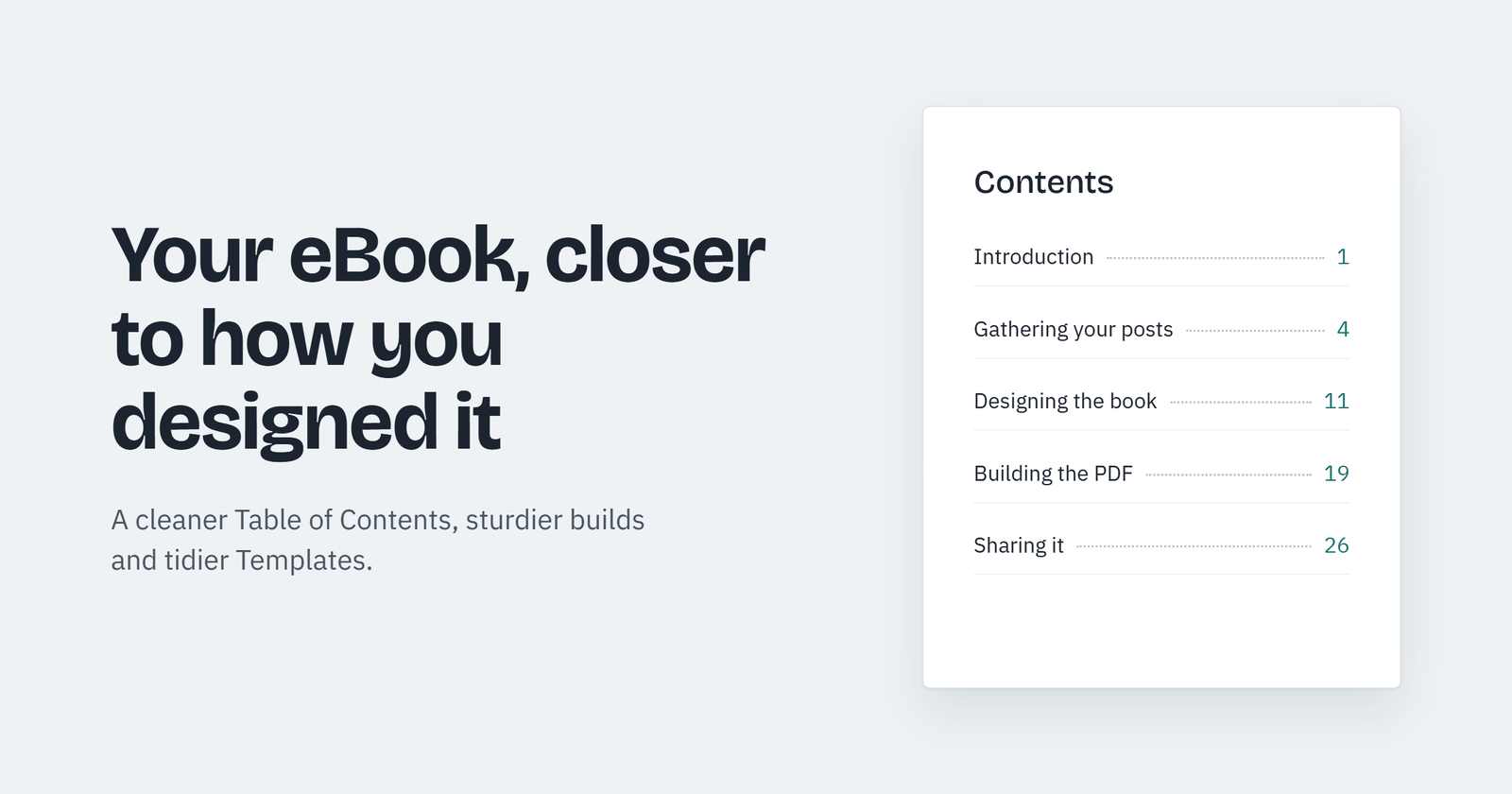
Our newest releases for both the free and Pro versions of eBook Crafter have focused on improving how your downloaded eBook should match the content you’ve gathered and designed.
An improved Table of Contents, and more
With the new release, every entry in the Table of Contents now comes from a single source, preventing accidental links to the wrong location in your PDF. The Table of Contents page is locked, because the entries are automatically populated from the content you gather in the Chapter block.
There’s a short note in the block that explains this. Each entry carries a faint grey line beneath it. The Chapter block shows a similar note on how to add chapters from the sidebar – these changes are a response to your feedback on improving in-app guidance to help you navigate around quickly.
We’ve made the editor lighter too. It’s optimized for quicker loading, and it hides WordPress internals, form templates and WooCommerce order types while allowing products to be added.
And there’s another improvement – if a picture in a post happens to be deleted from the Media Library, the build process continues and text closes up around the missing picture. The Build tab also asks you to save first before you proceed to create the eBook.
The eBook Library is open to Editors as well as Administrators.
Prince-generated PDFs now are even closer to what you design
eBook Crafter Pro v1.2.6 includes changes to bring the editor’s contents and Prince output closer, and we’re working on even more exciting updates in the upcoming weeks. A bit of suspense is necessary – I’ll skip the specifics for now.
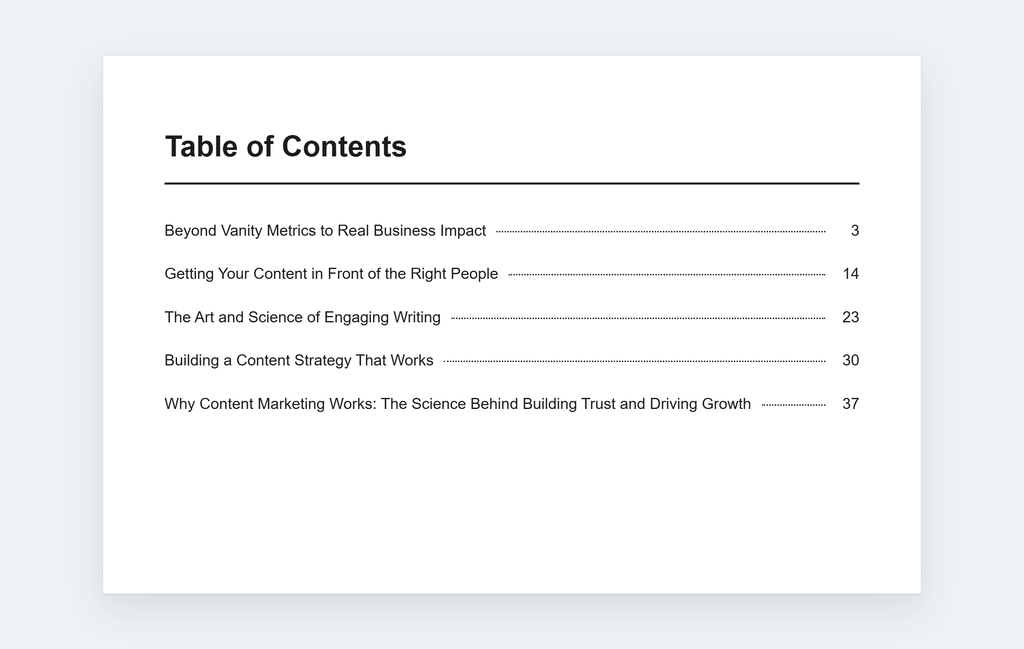
The Table of Contents in Prince’s outputs has a fresh look. Page numbers appear on the very first build after you choose the Prince method of building PDFs.
Each entry in the Table of Contents has a row of dots from the heading to the page number.
Prince also inherits the safeguards I described around the missing pictures in posts.
Enhancements in the Templates
The Pro release fixes an issue with saving Templates when long post type names were used.
Also, switching templates on a book you already wrote will now update only the front and back cover images while retaining the cover text. The Template’s fonts and colors will still apply across the entire book.
Tighter security
Creating a book Template now requires permission to publish Templates, since every author on the site shares them. Saved Templates are checked more strictly, and older ones cannot carry scripts or unexpected settings into someone else’s book.
Getting both updated versions on your site
Pro 1.2.6 requires eBook Crafter 1.0.3 or later, so update the free plugin before updating the Pro version. Both updates will appear under Plugins in your WordPress dashboard, with Pro available to every site with a valid license.
Links:
Free version of eBook Crafter v1.0.4 on WordPress directory: https://wordpress.org/plugins/ebookcrafter
Get eBook Crafter Pro v1.2.6: https://ebookcrafter.com/pricing/