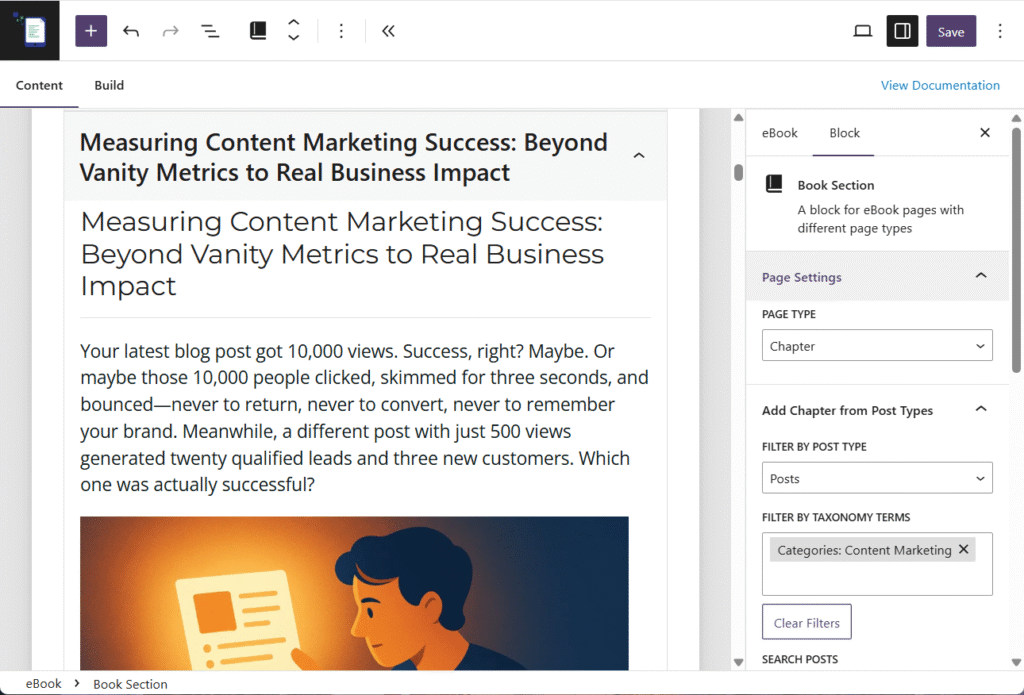
eBook Crafter lets you use Google Fonts to customize the typography of headings and paragraphs in your eBooks.
Installing Fonts #
Step 1: Access Font Settings
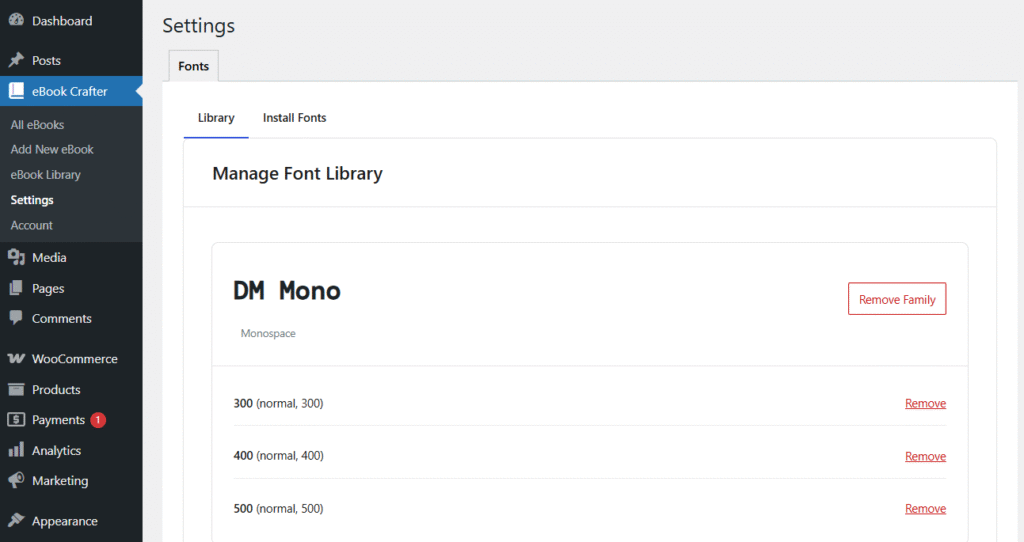
Navigate to eBook Crafter > Settings in your WordPress dashboard.
Step 2: Search and Install
- Use the search field in the Install Fonts tab to find your desired font (e.g., “Roboto”, “Playfair Display”, “Open Sans”)
- Select the font variants you need (e.g. Normal)
- Click Import Font
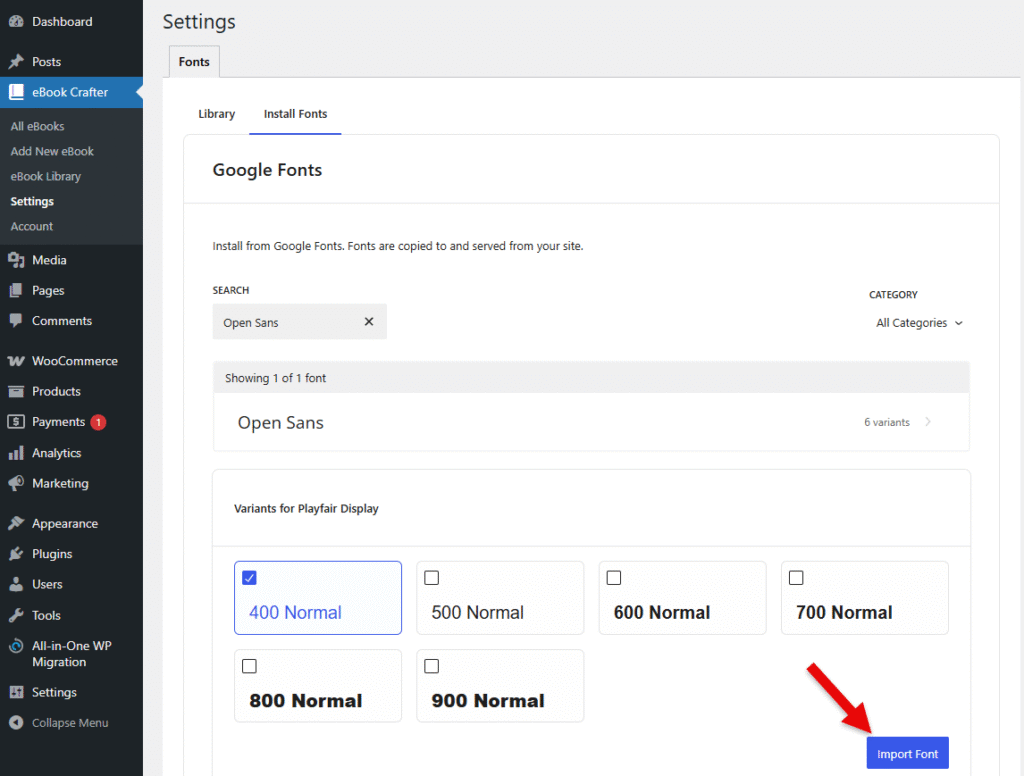
The selected fonts will now be available throughout your eBook projects.
Using Fonts in the eBook #
To set the Heading and Paragraph fonts on individual eBooks, go to the eBook’s settings and expand the Typography section:
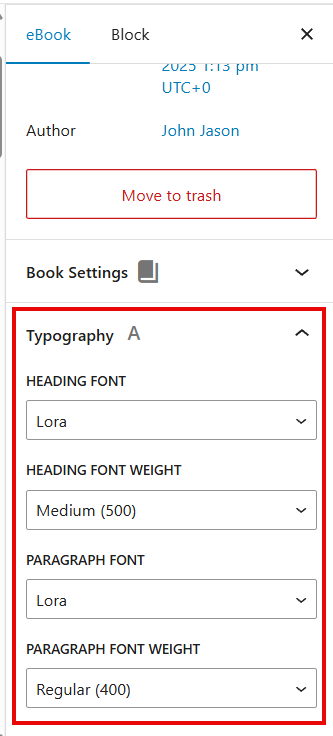
Here, you can set the Heading and Paragraph font families you installed earlier, along with their font weight.
The applied fonts and their weights will be visible on both the block editor and the final PDF eBook you create from the Build tab.