Pro feature: Custom fonts are available in eBook Crafter Pro. See plans.
eBook Crafter Pro lets you choose from 1,900+ Google Fonts to customize the typography of headings and paragraphs in your eBooks.
Installing Fonts #
Step 1: Access Font Settings
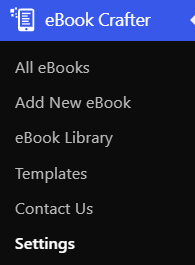
Navigate to eBook Crafter > Settings in your WordPress dashboard.
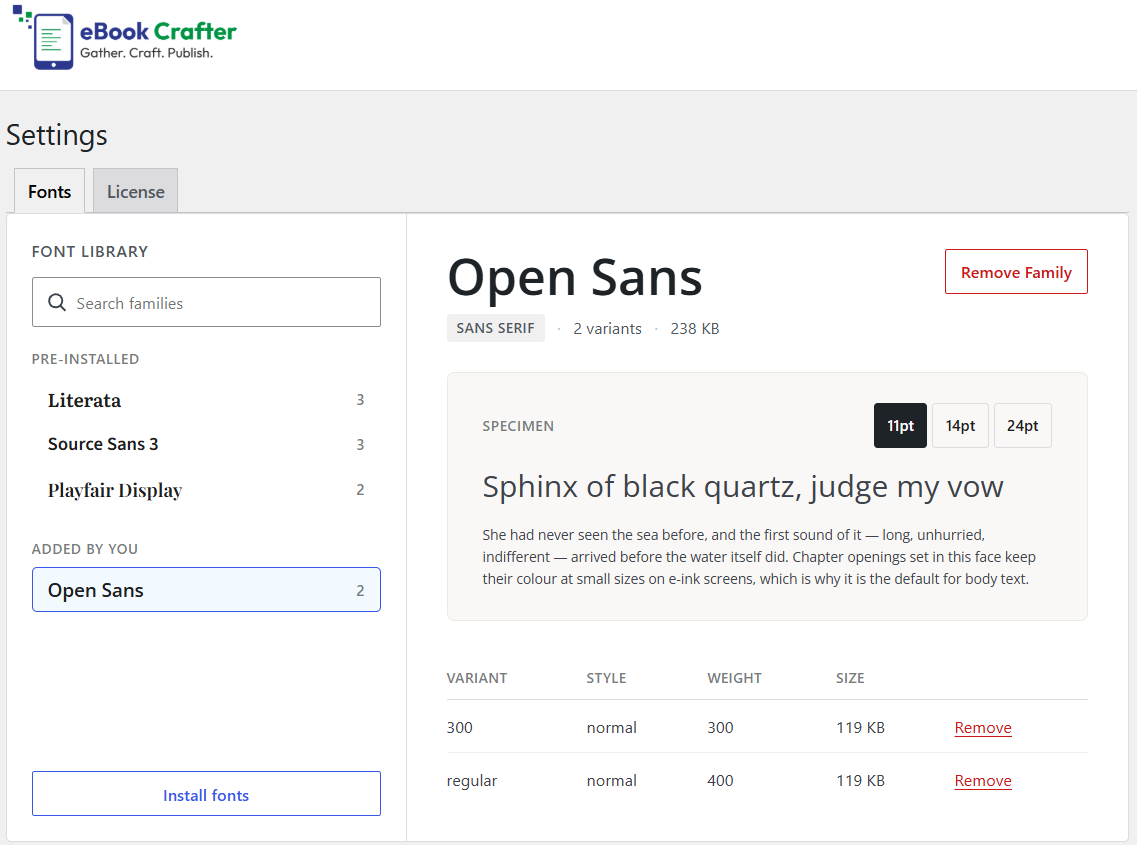
In the Fonts tab, you will find three pre-installed fonts – Literata, Sources Sans 3, and Playfair Display.
Step 2: Install new fonts
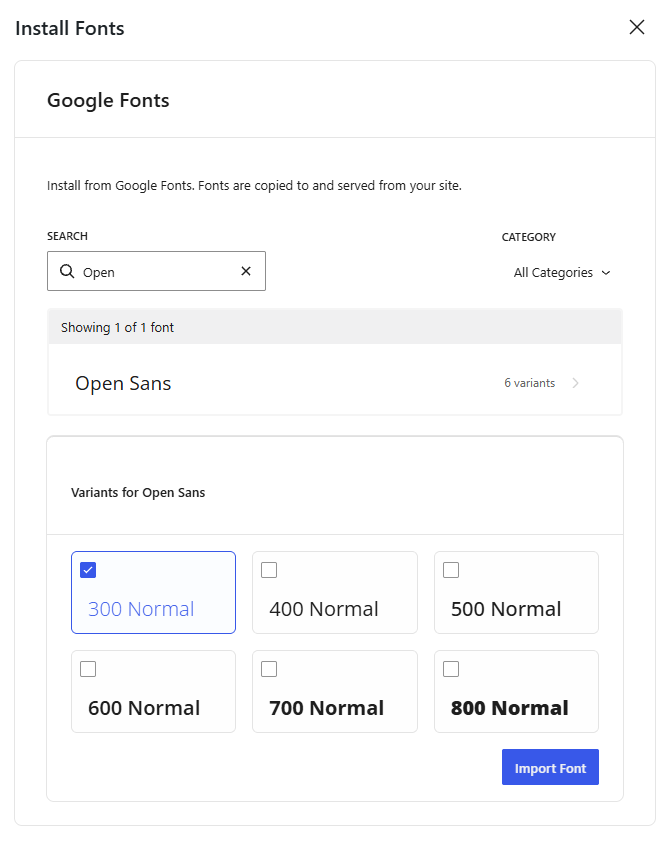
- Click the Install fonts button.
- Search for the font you need by typing in the name.
- Select the variants you would like to use in your eBooks.
- Click Import Font
The selected fonts will now be available throughout your eBook projects.
Using Fonts in the eBook #
To set the Heading and Paragraph fonts on individual eBooks, go to the eBook’s settings and expand the Typography section:
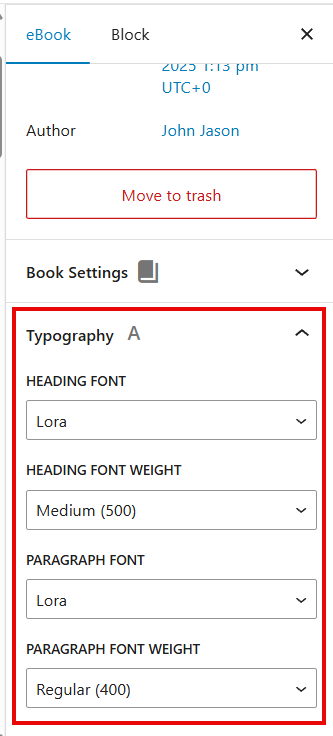
Here, you can set the Heading and Paragraph font families you installed earlier, along with their font weight.
The applied fonts and their weights will be visible in the Content tab of the eBook editor.